Content
- Candidate - Browser Tab - Displays Incorrect Candidate
- Candidates - Proximity Column - Positioning Issues
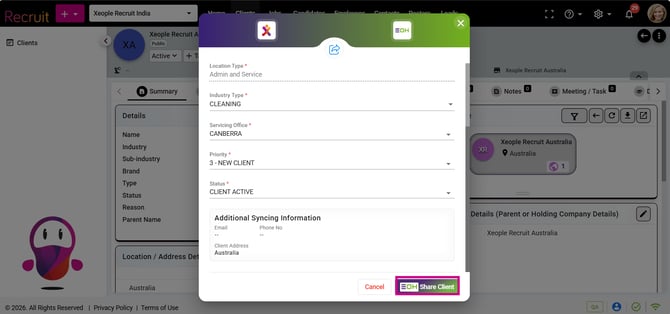
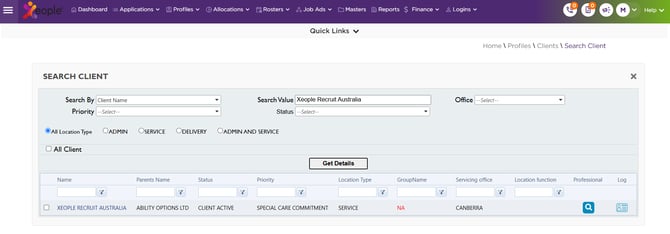
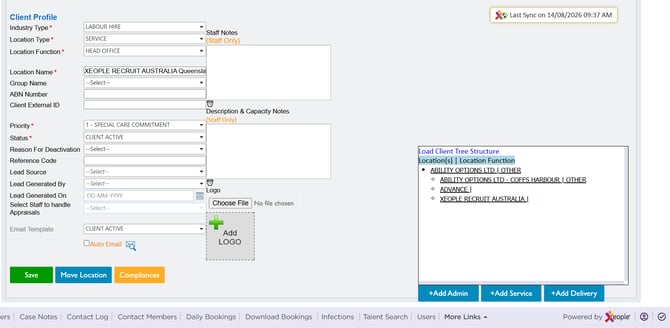
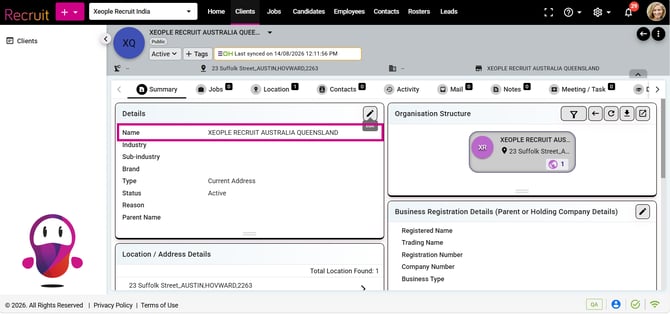
- Client Name - Syncing Issues - EOH to XR
✅Resolved Issue
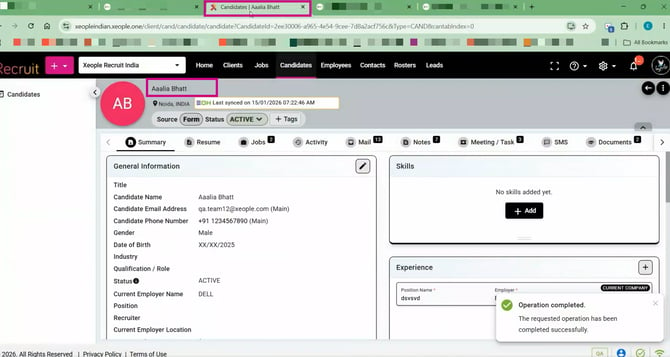
- Candidate - Browser Tab - Displays Incorrect Candidate
Fixed the issue where the browser tab title incorrectly displayed the name of a previously edited candidate. When navigating between candidate profiles and editing and saving their details, new subscriptions were being created on each page load without properly removing the previous ones. This caused old component instances to remain active, resulting in an incorrect candidate name appearing in the browser tab title.
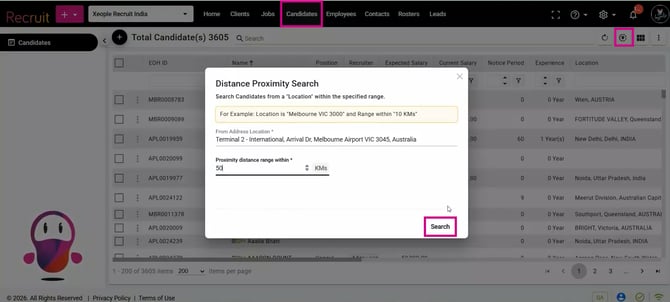
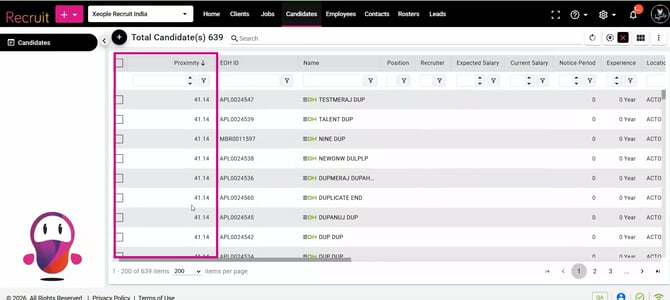
- Candidates - Proximity Column - Positioning Issues
Fixed the issue with the Proximity column placement. The column was sometimes appearing in the middle of the grid instead of being placed as the first newly added column. The Proximity column is now automatically positioned as the first column in the results.
- Client Name - Syncing Issues - EOH to XR
Fixed an issue where the Client Name was not syncing from EOH to the XR application when the client was initially created in XR without a mobile number or email address. The Client Name now updates correctly in XR when changed in EOH.