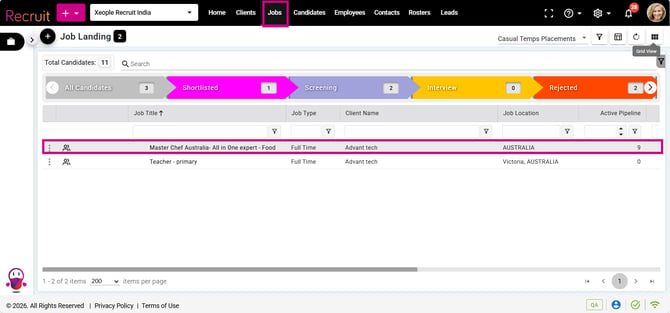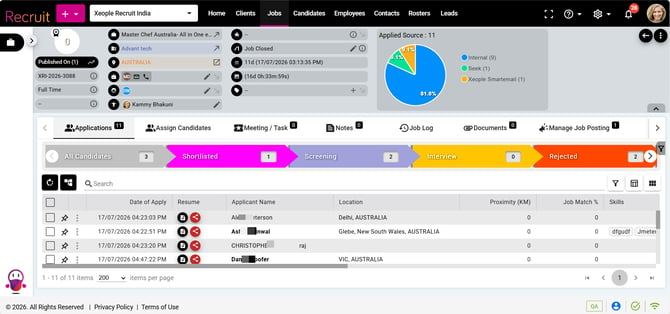
This release includes fixes for a navigation flicker on the Job Summary page, an issue preventing SEEK Link Out applications, and a validation problem that disabled the Save button when editing a candidate's email.
Content
- Seek - Link Out - Not Working
- Candidate Summary - General Information - Email
- Job Landing - Job - Job Summary
✅Resolved Issue
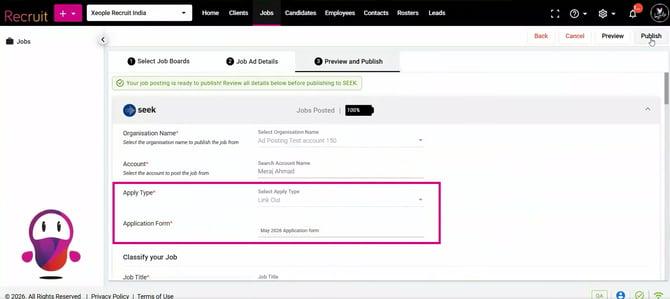
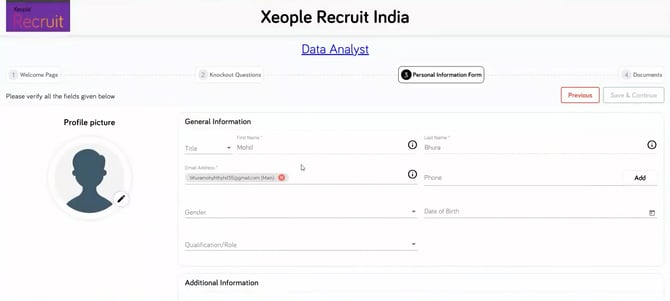
- Seek - Link Out - Not Working
Fixed an issue where candidates could not apply to a job posted on SEEK via Link Out because the domain was undefined during the initial application load, causing an invalid application form URL to be sent to SEEK. This resulted in an "Invalid/Expired" error when opening the application form. The application form URL is now generated correctly, allowing candidates to submit their applications successfully.
- Candidate Summary - General Information - Email
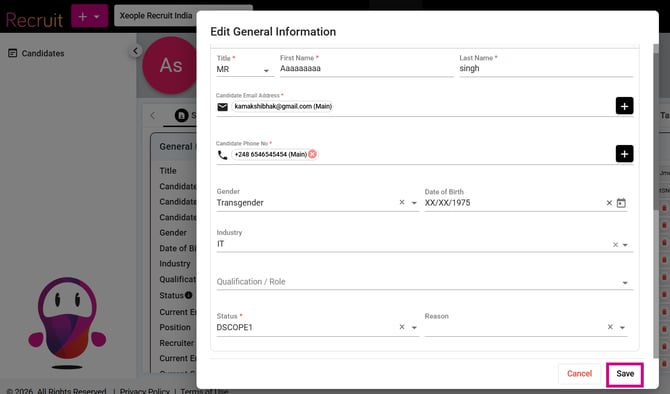
Fixed an issue where the Save button was disabled while editing the candidate email in the General Information tab. The issue occurred because the Position field validation (maximum 50 characters) was only triggered after user interaction, so existing invalid values did not display an error on page load. Validation now runs on page load, immediately showing the error for values exceeding 50 characters and allowing users to correct the field and save successfully.
- Job Landing - Job - Job Summary
Fixed an issue where clicking a job from the Job Landing page displayed "Back to Job Landing" message before navigating to the Job Summary page. The Job Summary page now loads directly without the temporary flicker.