Content
- Email Template - Email Delivered
- Application Form - Education Section
- Split Screen - Checklist
- Split Screen - EOH - Applicant- Screening Note
- Qualification Master VS Application Form
- Job Action - EOH - Push Candidate as an Applicant - Next Button
- Home - Xeople Search - Candidate Filters - Search Xeoplers
- Candidate Summary - Share Profile
- Across Application - Email
- Master Data - Application Form - Thank you page
- Xeople Search - Job - Apply Filters - Search Xeoplers
- Client Landing/Summary - Share Client
- Job Summary - Candidate Checkbox - Email
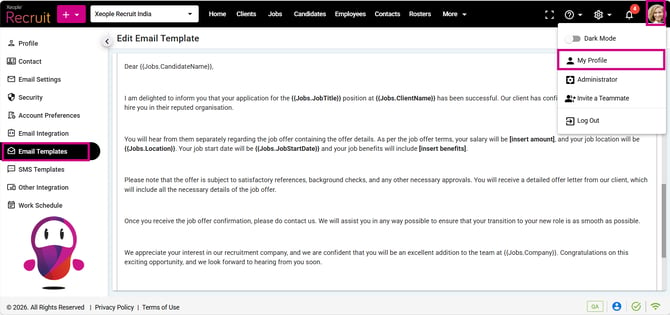
- Across Sections - (Jobs.CandidateName) dynamic placeholder
- Application Form -Existing Candidate
- Job Summary - Candidate - Action - Remove
- Jobs - Job Workflow Landing
- Master Data - Qualification/Role - Industry
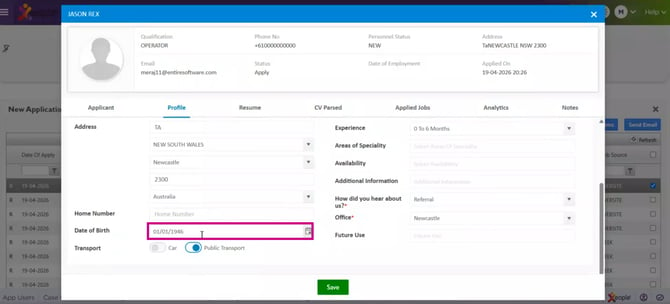
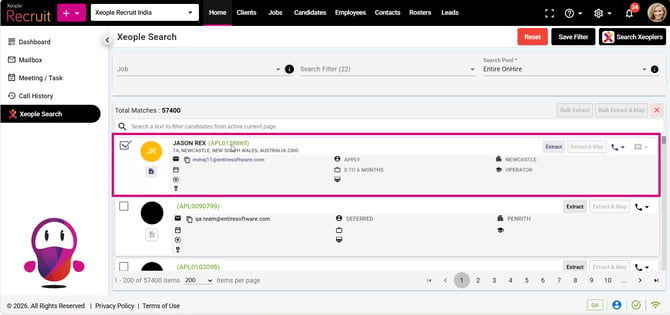
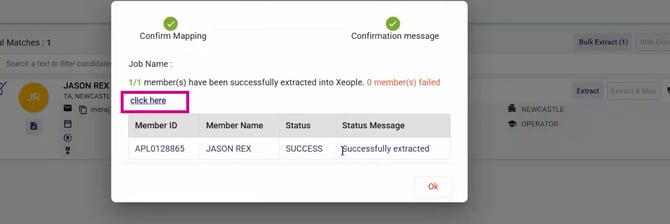
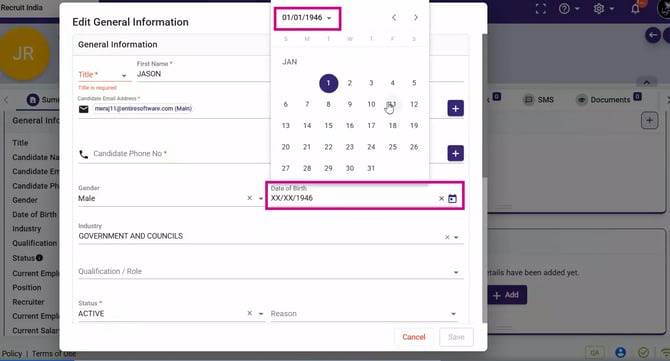
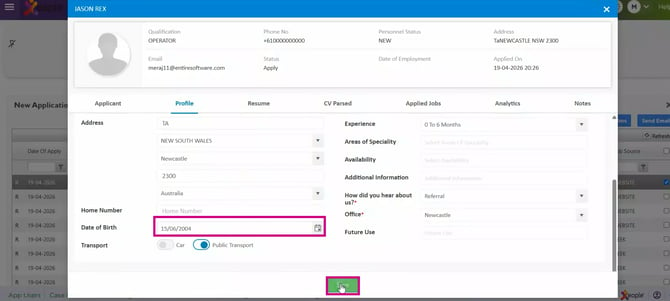
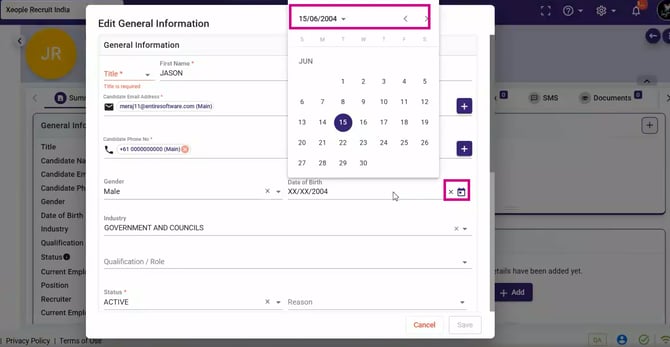
- Xeople Search - EOH Extract - DOB
✅Resolved Issue
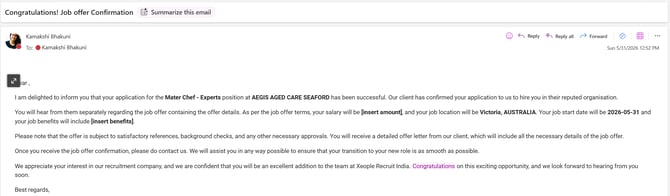
- Email Template - Email Delivered
Fixed an issue where email templates appeared correctly in the Email Template Master but had formatting issues in the delivered emails.
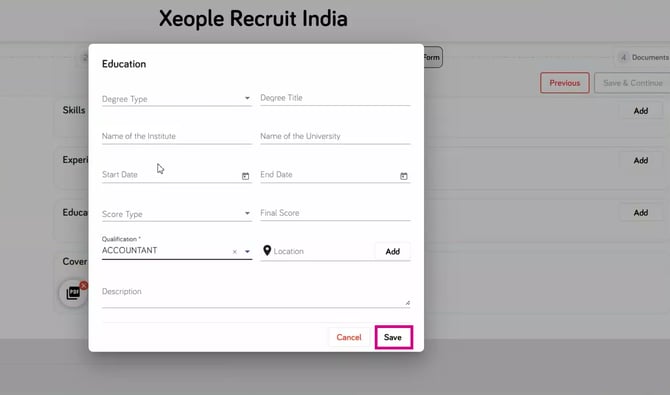
- Application Form - Education Section
Fixed the issue where all Education fields became mandatory during Autofill while editing, although only the Qualification field was mandatory.
-
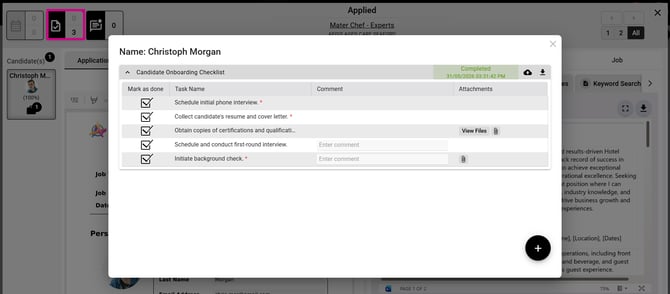
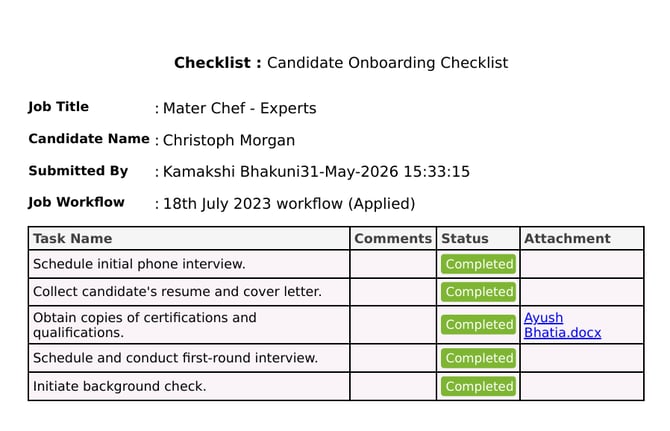
Split Screen - Checklist
Fixed the issue where an inactive checklist was appearing as Pending on the candidate card for new applicants.
-
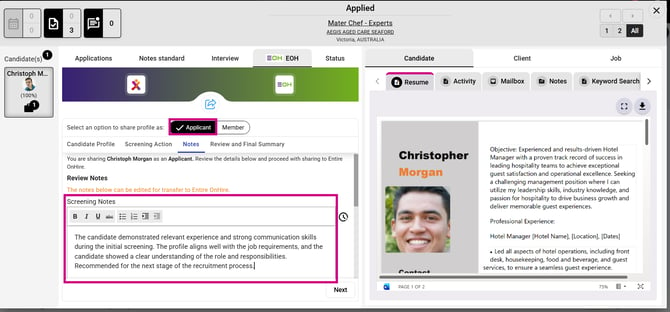
Split Screen - EOH - Applicant- Screening Note
Fixed an issue where the space bar was not working while entering screening notes for an applicant.
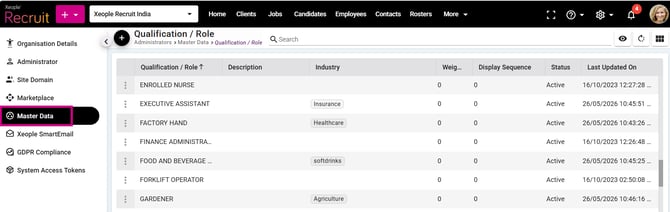
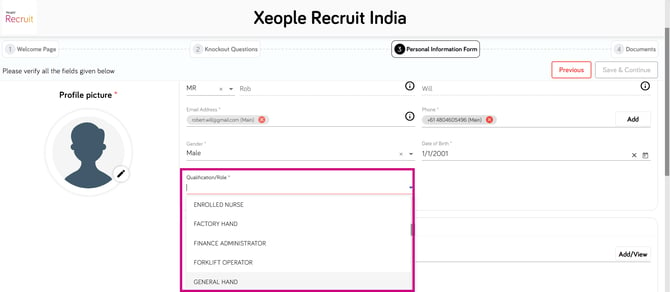
- Qualification Master VS Application Form
Fixed an issue where qualifications/roles that were not available in the Qualification Master were still appearing in the Application Form qualification/role drop-down.
-
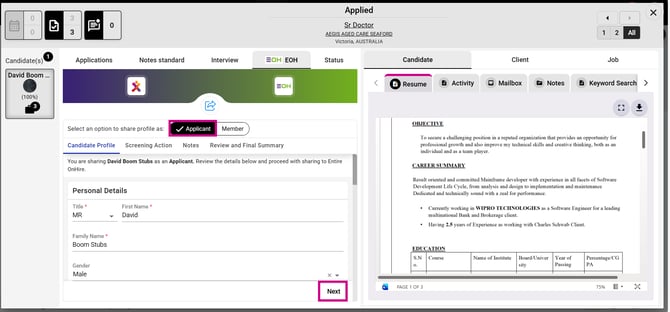
Job Action - EOH - Push Candidate as an Applicant - Next Button
Fixed the issue where the Next button was not appearing in the Candidate Profile tab while sharing a candidate as an applicant from Split Screen > EOH, restricting navigation to other tabs.
-
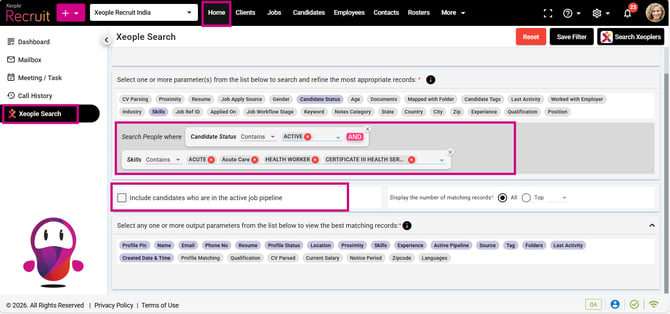
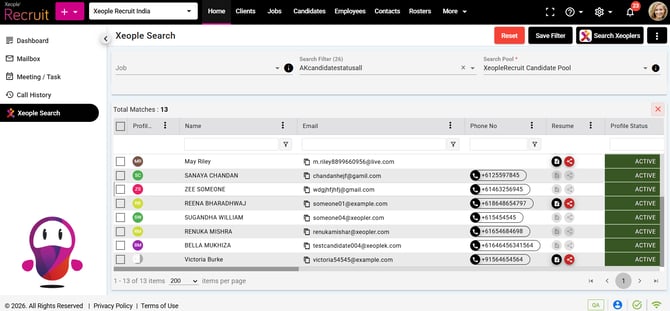
Home - Xeople Search - Candidate Filters - Search Xeoplers
Fixed the issue in Xeople Search where active candidates were not appearing in search results when multiple filters were applied and the “Include in Pipeline” option was left unselected.
-
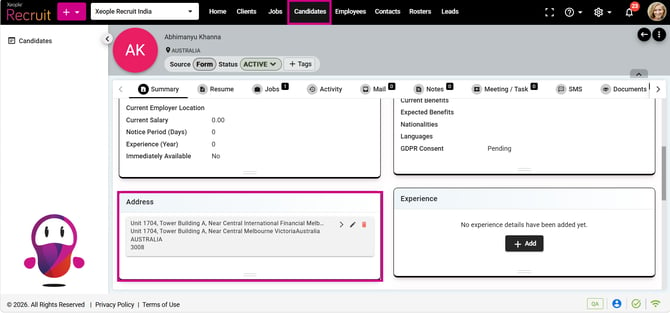
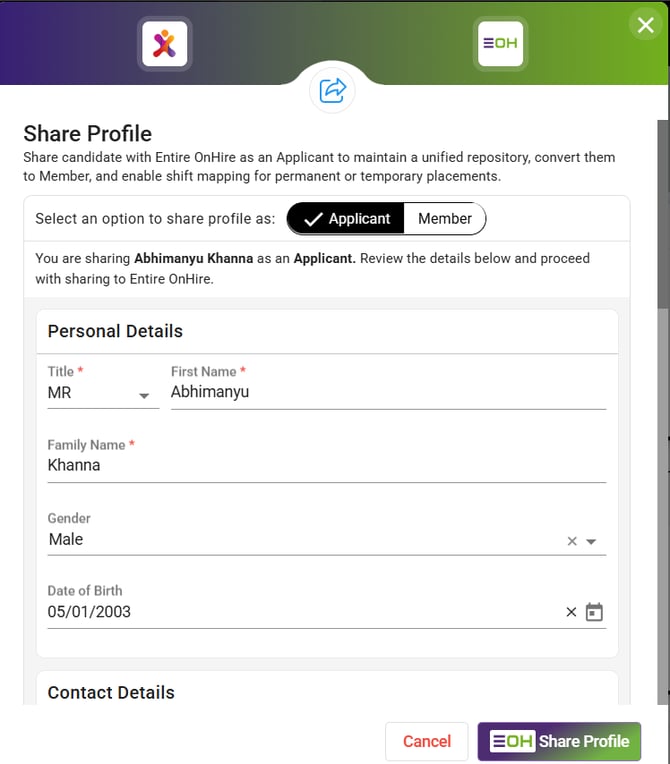
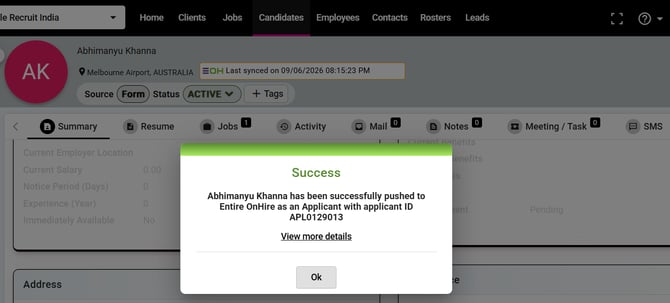
Candidate Summary - Share Profile
Fixed the issue where the profile was not getting pushed to EOH due to the XR street address exceeding EOH’s 50-character limit, and the validation popup was not appearing when the address exceeded 50 characters while pushing the profile to EOH.
-
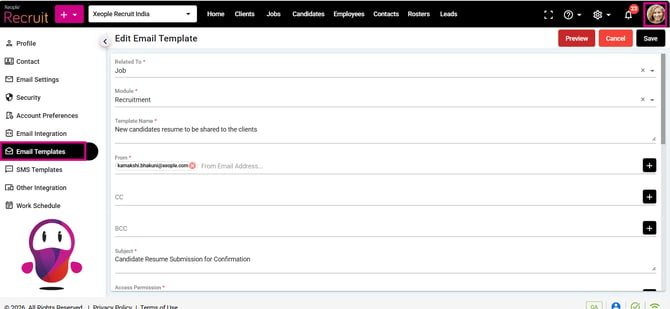
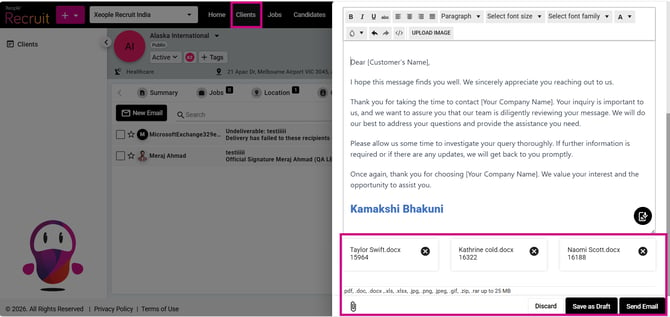
Across Application - Email
Fixed the issue related to email attachment size limitations, where attachments exceeding 3MB failed despite the XR Email Template Master supporting up to 25MB. The supported attachment limit has now been updated to 25MB.
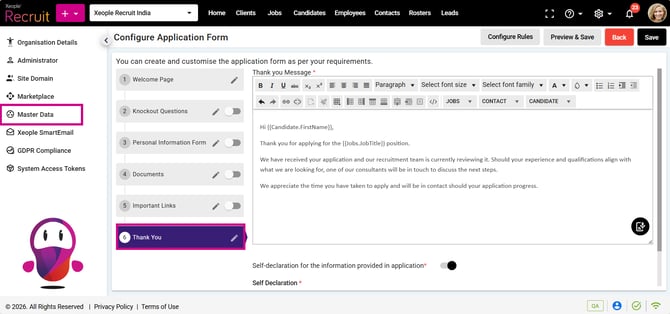
- Master Data - Application Form - Thank you page
Fixed the content displayed on the Thank You page of the application form by updating it with new content that does not contain irrelevant placeholders. The updated content will apply only to new application forms, while existing forms will retain the old content.
-
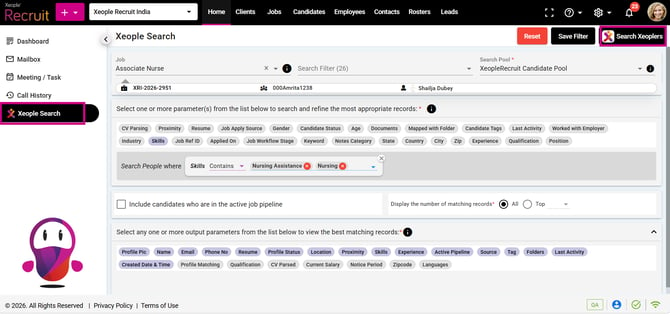
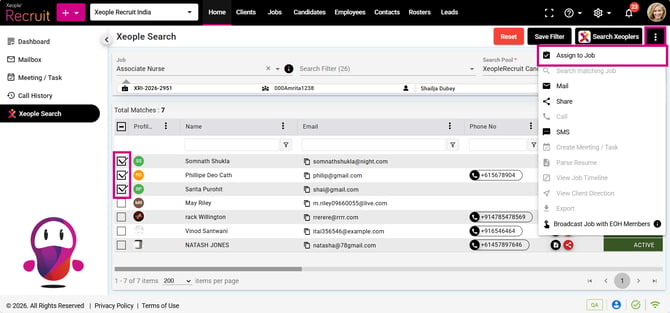
Xeople Search - Job - Apply Filters - Search Xeoplers
Fixed the issue where the Assign Job overlay screen was not opening when clicking the Assign to Job option from the three-dot menu after selecting candidates in Xeople Search.
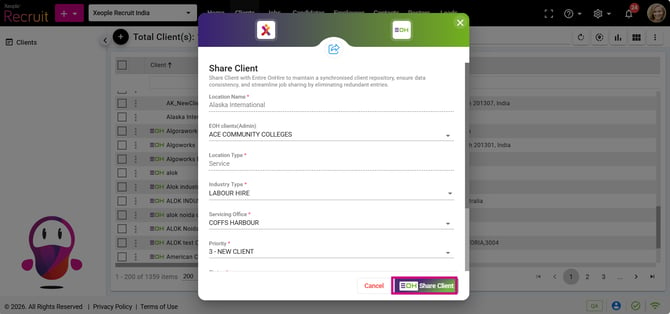
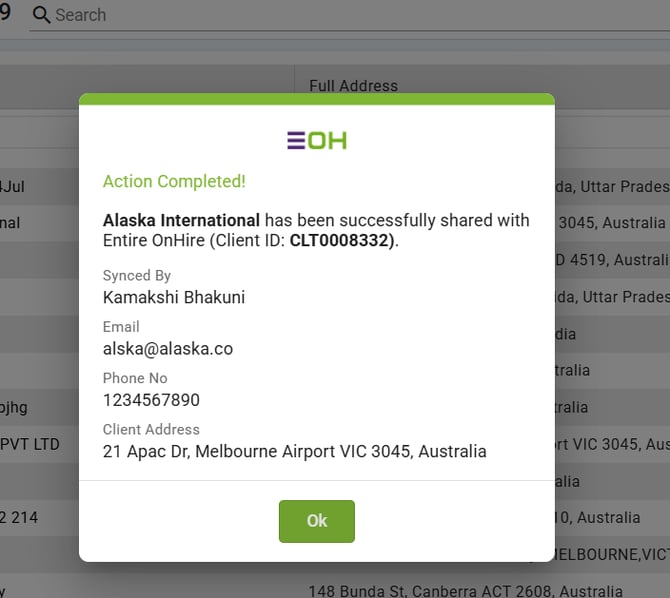
- Client Landing/Summary - Share Client
Fixed an issue where a client could not be shared from XR to EOH because the required Phone Type field was entered as "Main" instead of "Main Number in EOH," causing the share action to fail.
- Job Summary - Candidate Checkbox - Email
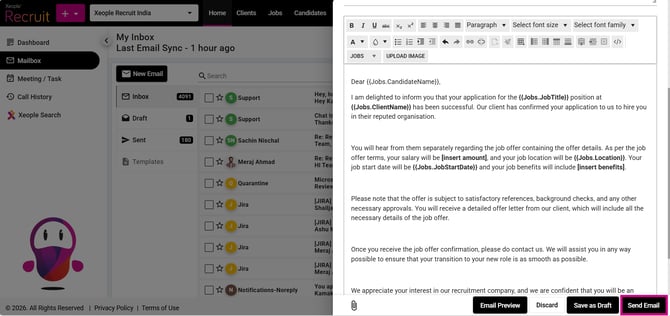
Fixed an issue where the candidate name was not populated in sent emails when using the (Jobs.CandidateName) dynamic placeholder, despite displaying correctly in the email preview.
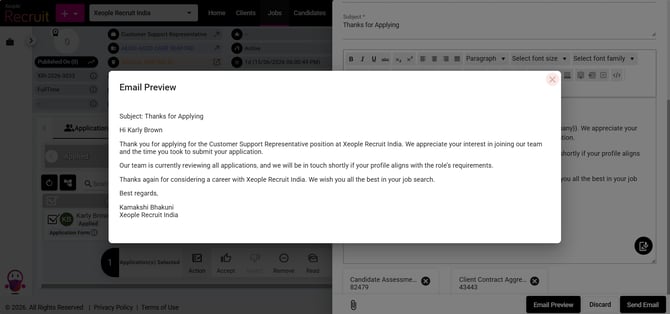
- Across Sections - (Jobs.CandidateName) dynamic placeholder
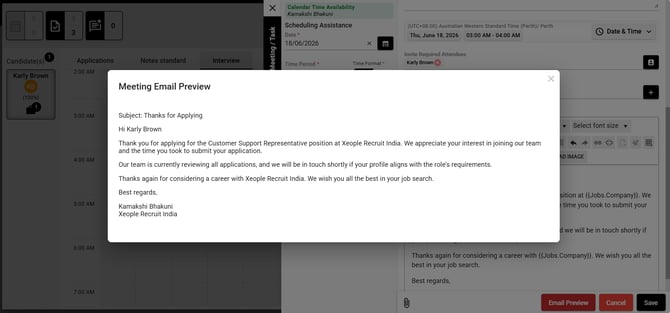
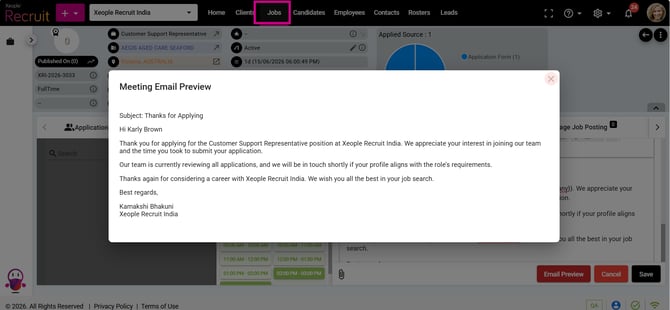
Fixed an issue where the candidate name was not populated in sent emails when using the (Jobs.CandidateName) dynamic placeholder. The placeholder now correctly displays the candidate name when a single candidate is selected.
Fixed Areas:
- Job Summary - Split Screen - Interview
- Job Summary - Meeting/Task
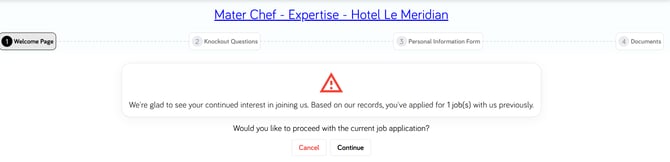
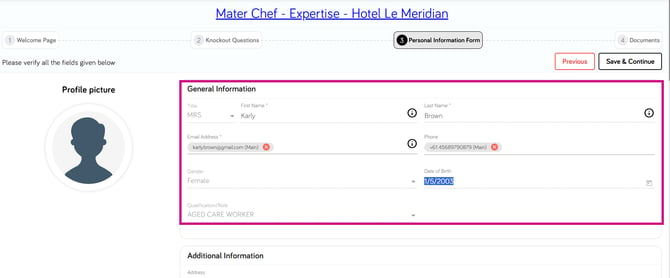
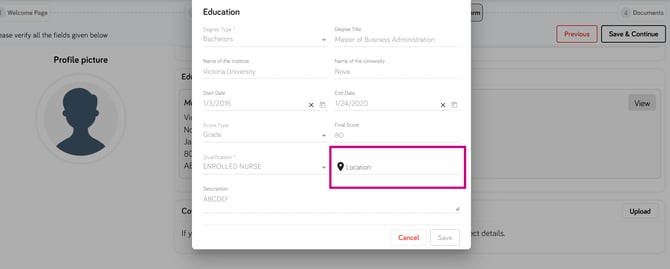
- Application Form -Existing Candidate
Fixed an issue where the Gender, Title, and DOB fields were editable for existing candidates, and the Experience/Education Location fields were editable in view mode.
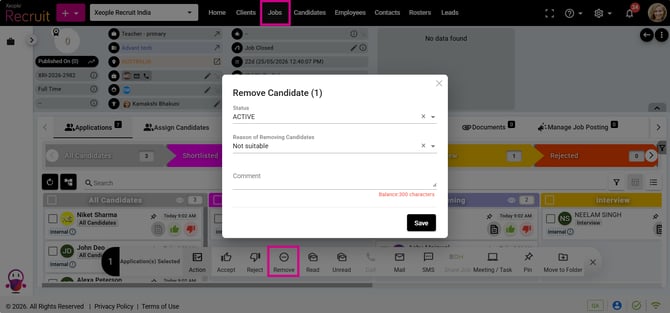
- Job Summary - Candidate - Action - Remove
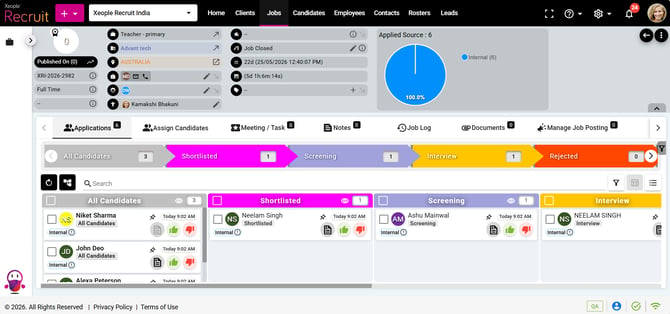
Fixed an issue where removing a candidate from a job workflow required two removal attempts before the candidate was actually removed, despite the system displaying a successful removal message after the first attempt.
-
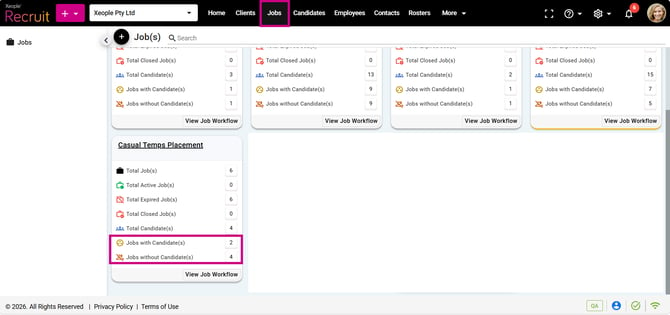
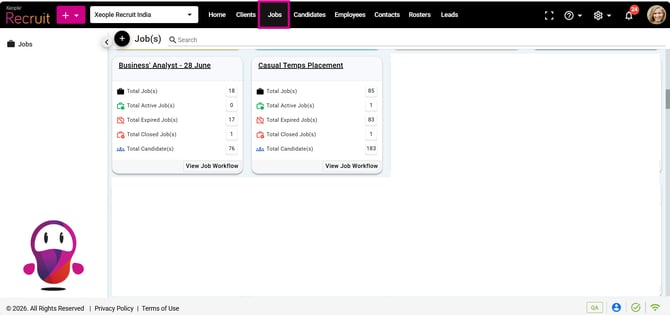
Jobs - Job Workflow Landing
Improved the Job Workflow landing page by hiding the non-clickable "Jobs with Candidate(s)" and "Jobs without Candidate(s)" options.
-
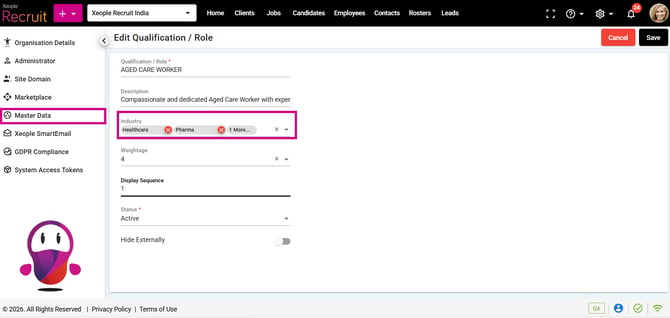
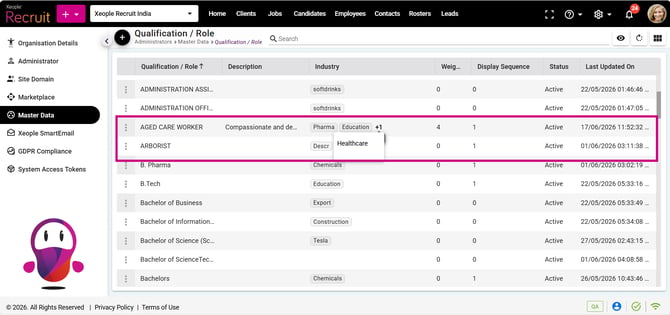
Master Data - Qualification/Role - Industry
Fixed an issue where changes to the Industry field in the Qualification/Role Master were not reflected in the Industry column on the Qualification/Role landing page, resulting in an incorrect display of mapped industries and industry count.
-
Xeople Search - EOH Extract - DOB
Fixed an issue where Date of Birth (DOB) was not being extracted while importing candidates via Xeople Search > EOH Pool and was not manually updated in XR. Due to which, syncing candidate details to EOH was removing the DOB information, resulting in incomplete candidate profiles and potential data inconsistencies across both systems. With this fix, the DOB is now successfully extracted from EOH to XR, stored in the candidate summary under General Information, remains editable in XR, and is bi-directionally synchronised between XR and EOH to ensure data consistency across both systems.