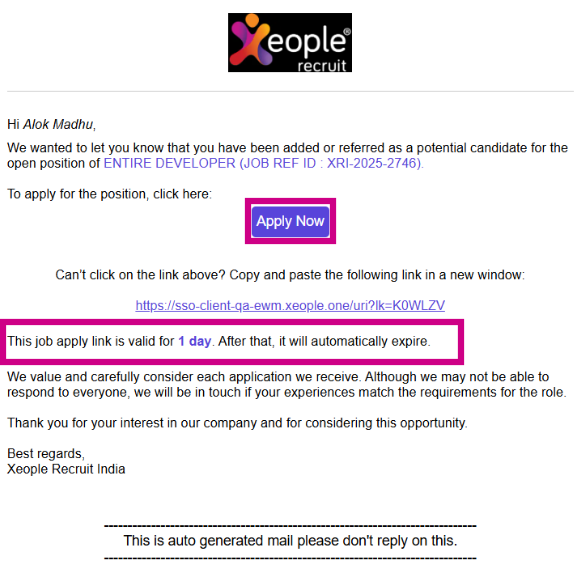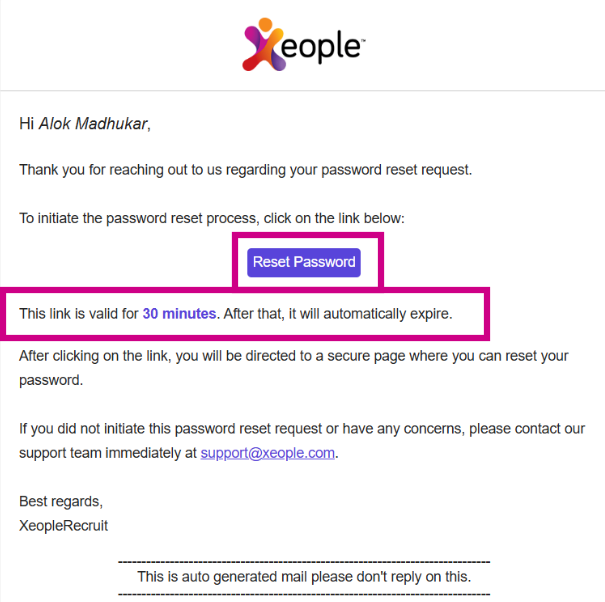
This release brings improvements to XR usability by removing unused fields, correcting labels, and making the interface cleaner and easier to use. The Create Employee/User flow has been simplified by defaulting the Type field to Employee, while Client Summary now displays lead-related fields only for clients converted from leads. Email templates have been updated by replacing links with buttons and fixing link validity.
Additionally, several issues have been resolved to improve accuracy and reliability. These include fixing incorrect phone number mapping from Broadbean that impacted SMS delivery, resolving duplicate text in Screening and Employment Notes, correcting the country code display on the Employee landing page, and reactivating the mandatory HIRED stage in the workflow. The Xeople Search Pool has also been streamlined by removing unused options.
Content
📈Enhancements
- Across Application - UI and Label Corrections
- Create Employee/User - Type Field
- Client Summary - Summary Tab
- Email Templates
1. Across Application - UI and Label Corrections
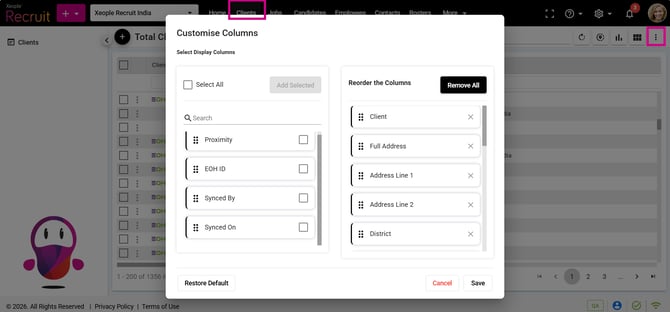
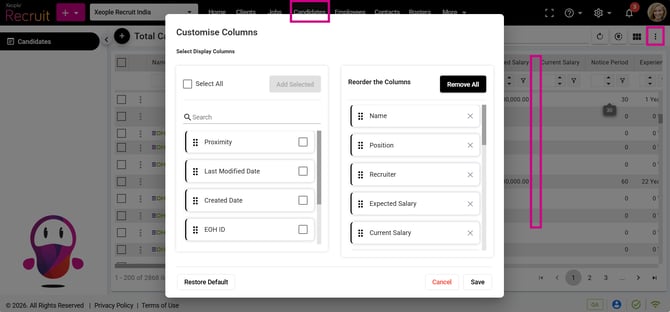
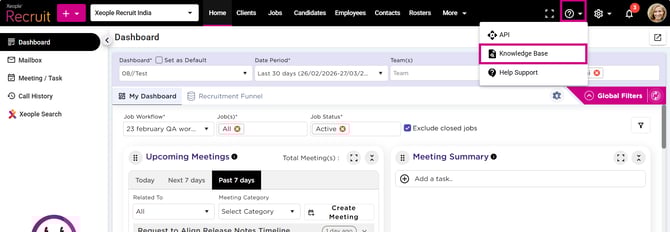
Removed the Social filter from the Employee Landing page and the Social Profile from Client customise column, as they are no longer used. Renamed Document Centre to Knowledge Base and removed the Job Applications field from the Candidate landing page and customise column option.
2. Create Employee/User - Type Field
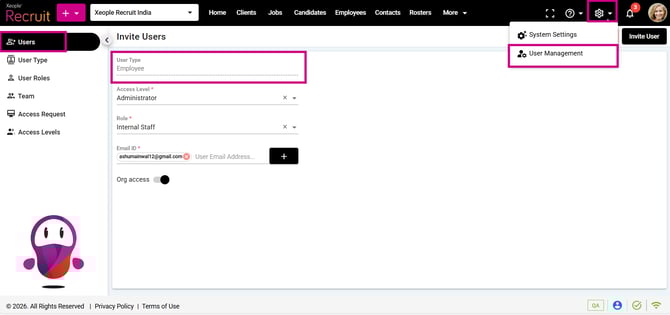
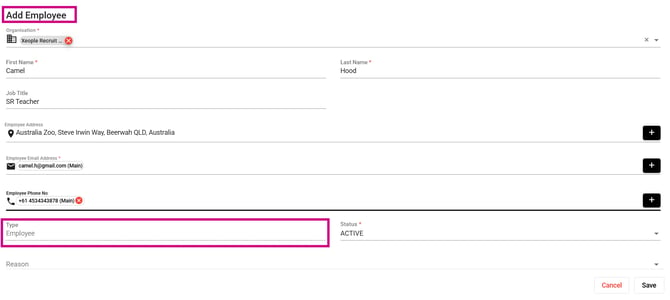
Removed the Subcontractor option from Create Employee and Create User, with the Type field now defaulting automatically to Employee instead of a dropdown.
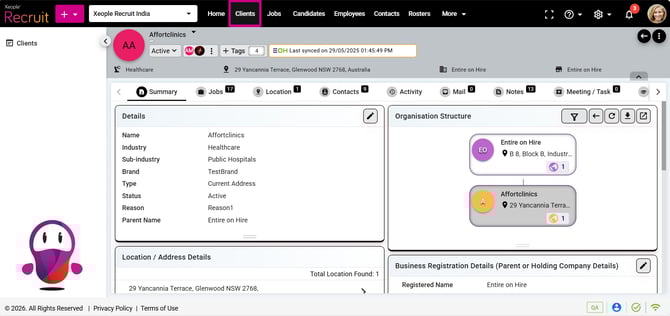
3. Client Summary - Summary Tab
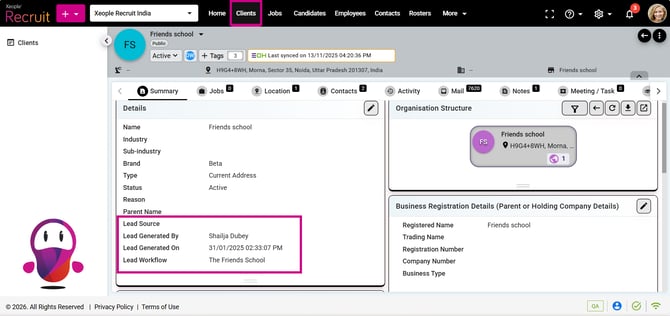
These fields (Lead Source, Lead Generated By/On, Lead Workflow) are shown only for clients converted from leads and are hidden for clients created directly.
4. Email Templates
Updated email templates (Share Job Application URL, Forgot Password, Email Verification, and Welcome Password) by replacing links with buttons and fixing link validity.