

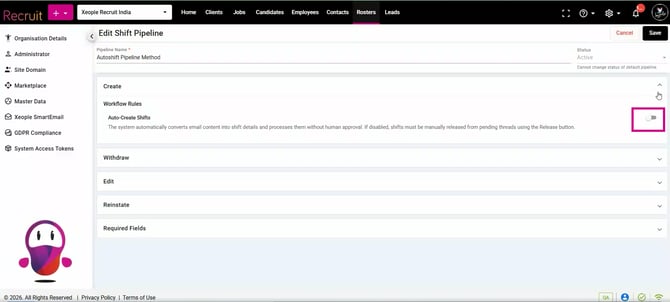
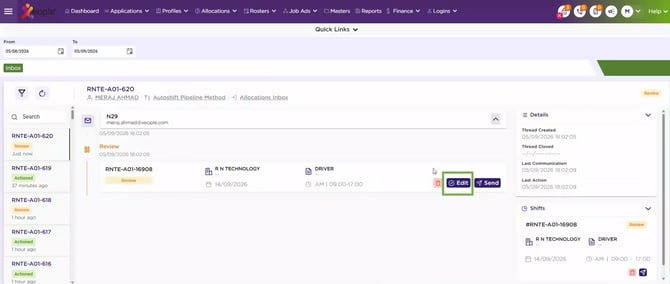
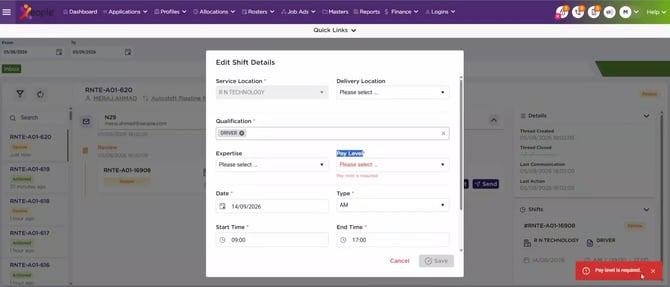
In this release, we have enhanced the Auto Shift functionality by adding an Edit option for shifts in Review status, allowing users to open, edit, and correct shift data directly. We have also enhanced the Pay Level logic to follow EOH Staff Portal business rules. When mandatory, users will see a “Pay Level is required” alert while editing or correcting shift data.
Additionally, we have resolved several issues across the application to improve search, audit logs, candidate management, data synchronisation, and overall user experience. These fixes include ensuring XeopleSearch returns candidates matching the applied search criteria, correcting Audit Log date-range results and loading issues, removing the unsupported Proximity Filter from Customise Column, and fixing the Share Job Apply Page link on Facebook.
We have also ensured Gender and resumes are correctly pushed to EOH through application forms, and corrected Auto Shift date interpretation to use the DDMMYY format.
Content
Enhancements
-
Auto Shift - Review Status - Edit Button
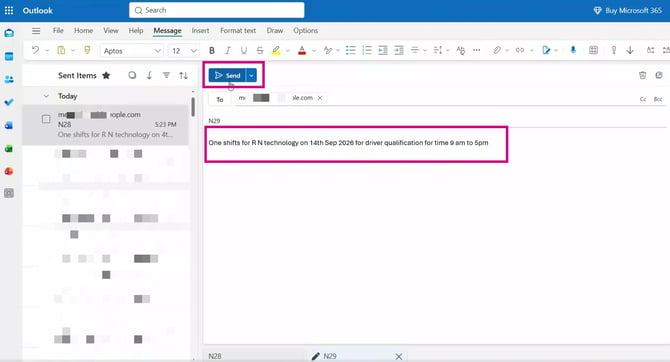
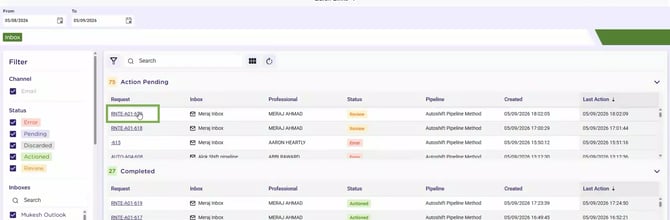
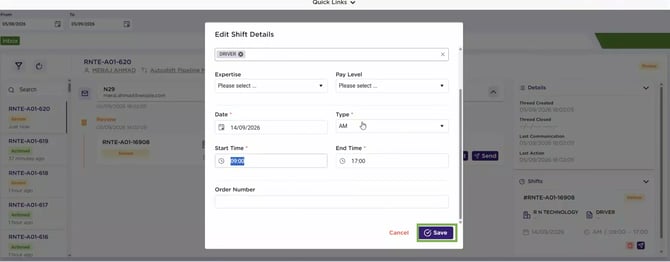
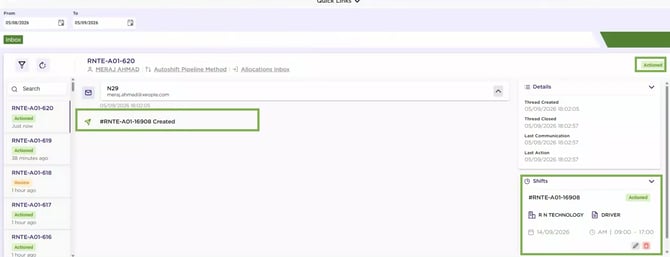
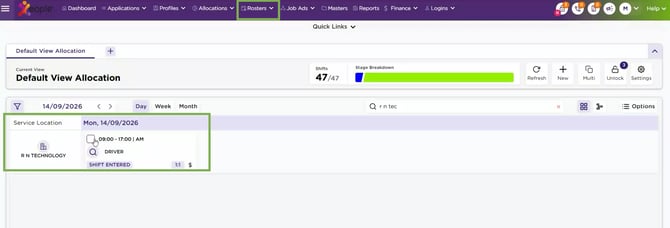
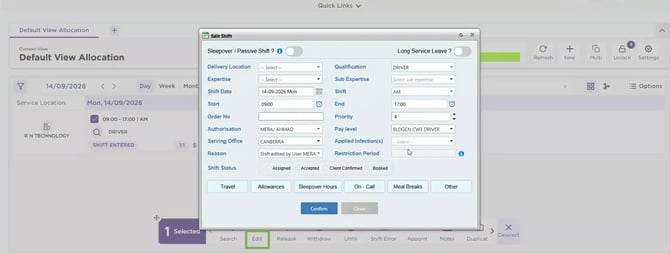
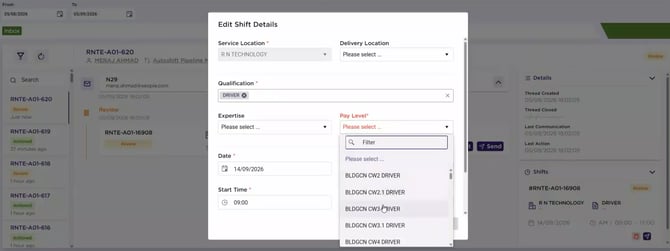
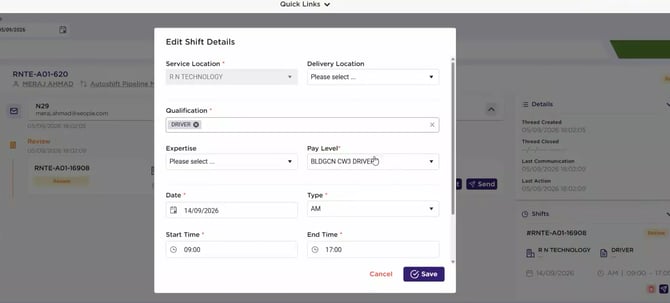
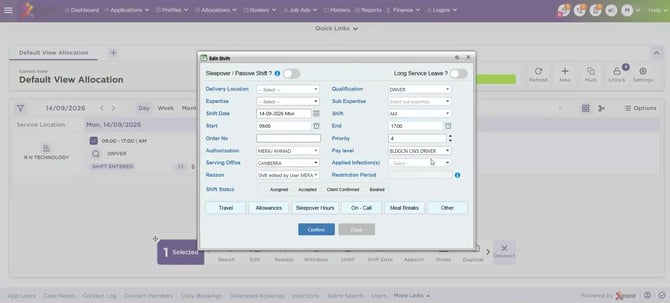
Enhanced Auto Shift handling by adding an Edit option for shifts in Review status. Users can now open a shift in Review status, edit, and correct the shift data directly using the edit functionality.
- Auto Shift - Pay Level - Logic Update - System Settings
Enhanced Pay Level logic to align with EOH Staff Portal business rules. Pay Level is controlled through the EOH Staff Portal System Settings, where it can be configured as mandatory or optional. When Pay Level is configured as mandatory, users must enter a value when editing or correcting a shift. If no value is entered, the system displays the alert “Pay Level is required” to proceed.
X.3.0 - Resolved Issues
Back to Top