This release includes fixes to improve system stability and user experience. Meeting times for Gmail-integrated users now display correctly across time zones. Resume loading in the Australia region is working as expected. The Action Panel UI is improved for better usability on Mac devices and now works with a single click. Application form no longer freezes with long email inputs or repeated spacebar presses. SEEK candidate data now reflects correctly in the job workflow after fixing a data mismatch at the database level.
Content
-
Gmail Integration - Job Summary /Candidate Landing - Meeting
- Job Summary - Action Panel
- Job Summary - Share Job Apply Page Link - Email
- Job Summary - Manage Job Posting - Seek
✅Resolved Issue
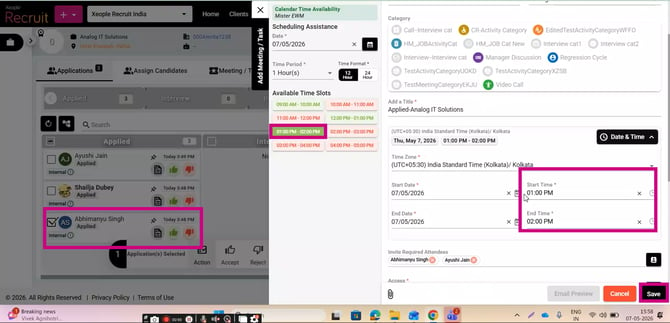
1. Gmail Integration - Job Summary /Candidate Landing - Meeting
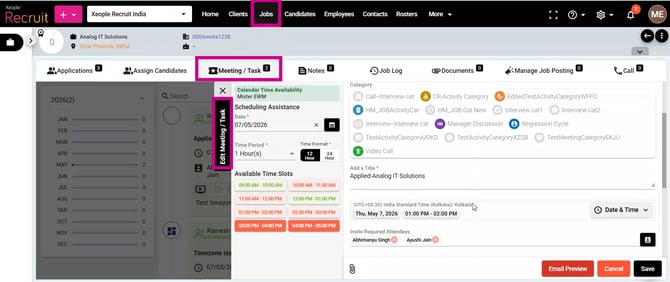
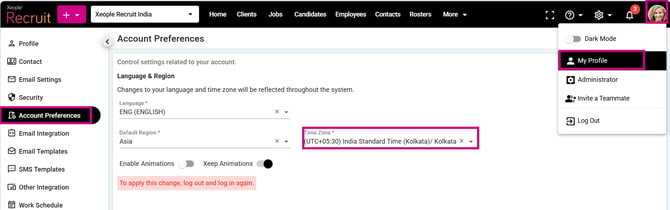
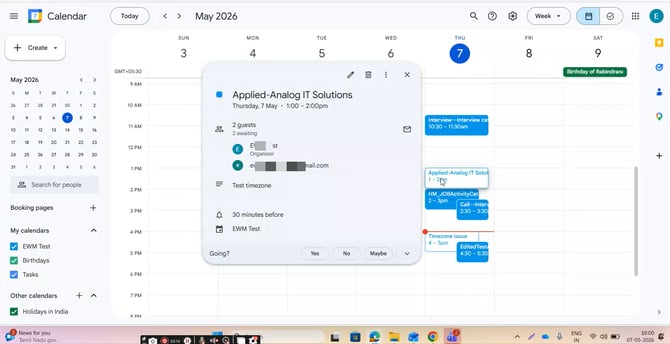
Meetings created and synced with Gmail Calendar were showing incorrect times, causing confusion; now reflect the exact scheduled time with proper timezone adjustments.
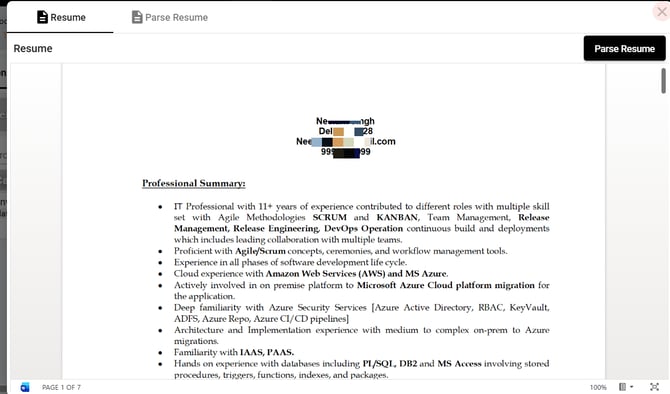
2. Candidate Landing /Job Summary - Resume Loading
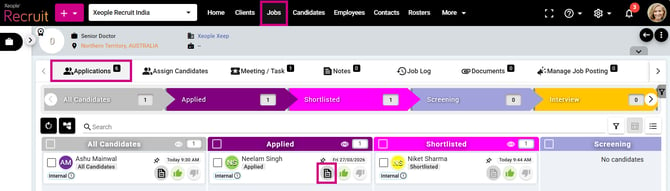
Resume loading issue has been resolved, and document preview is now working correctly.
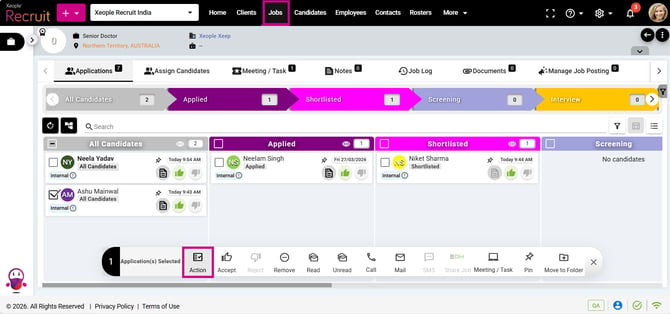
3. Job Summary - Action Panel
Action panel options were floating, making it difficult to select options (observed on some Mac devices); now works correctly with a single click after selecting candidates.
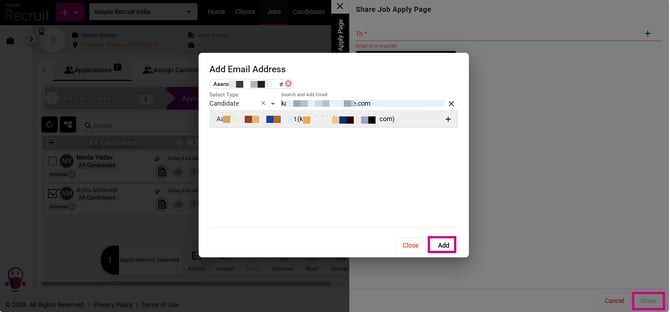
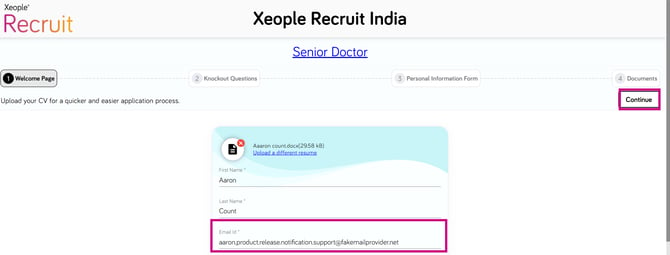
4. Job Summary - Share Job Apply Page Link - Email
Copying or entering a long email address and repeated spacebar presses no longer freeze the application form; it now works smoothly.
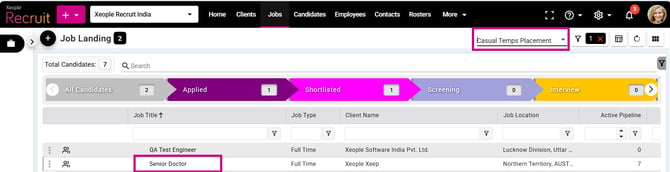
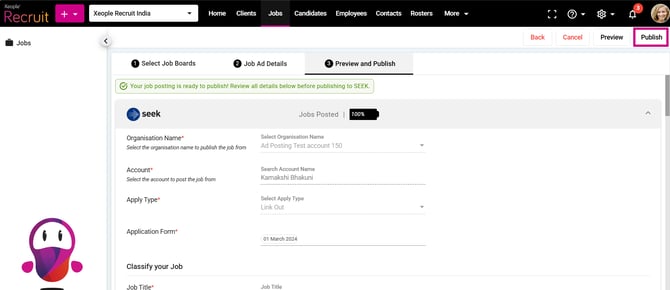
5. Job Summary - Manage Job Posting - Seek - Job Workflow
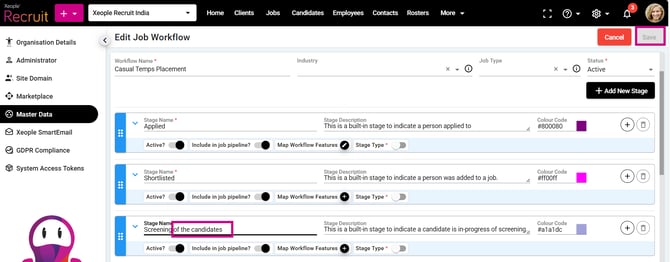
SEEK candidate data was not reflecting in the job workflow. The issue was identified as the user had modified the workflow after posting the job, which caused a data discrepancy. This has now been fixed at the database level, and the candidate data is displaying correctly.
Note: This issue was observed for a specific client job only.