Content
- Candidate Address - Job Summary - Proximity
- Client Summary - Notes - Operation Failed Message
- Job Summary - Job Workflow - Stage - Substage Pop-up
- Client Summary - Summary Details - Type Field Value - Not Reflecting in Client Landing
✅Resolved Issues
-
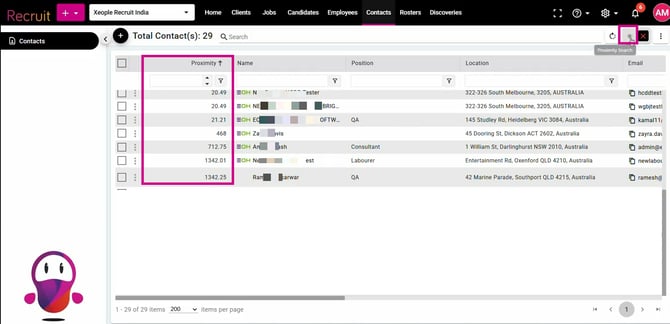
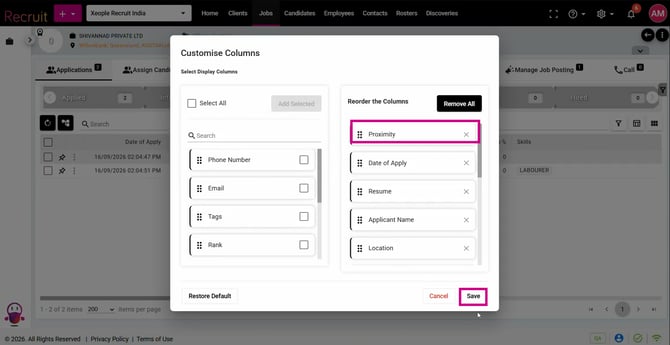
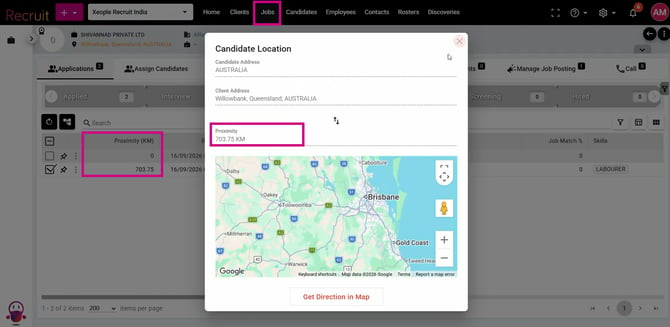
Candidate Address - Job Summary - Proximity
Fixed an issue where the candidate’s address was not correctly reflected in the Job Summary, although it was displayed correctly in the Candidate Profile and Candidate Landing Page. This resulted in incorrect candidate locations being used for proximity calculations, potentially affecting proximity results, job matching, and candidate recommendations. The address is now correctly reflected in the Job Summary and used for proximity-based calculations and matching.
-
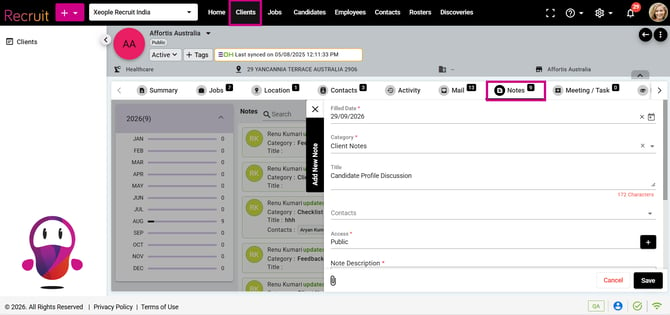
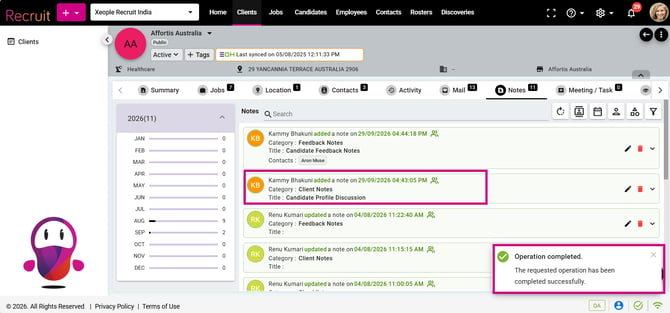
Client Summary - Notes - Operation Failed Message
Fixed the issue where notes were not loading consistently in the system. Previously, some notes were missing until a new note was saved or the page was reloaded. Notes now load and display consistently without any additional action.
-
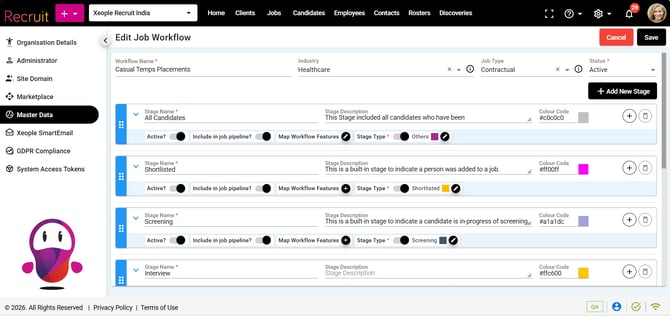
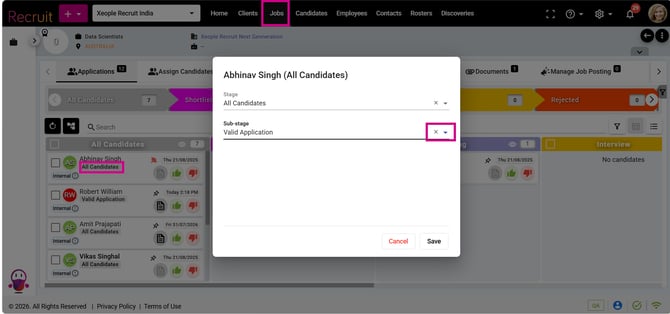
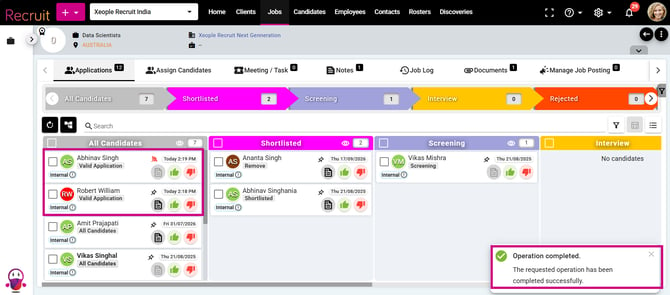
Job Summary - Job Workflow - Stage - Substage Pop-up
Fixed the issue where updating a substage from the Stage pop-up displayed incorrect pop-ups due to an API query issue.
-
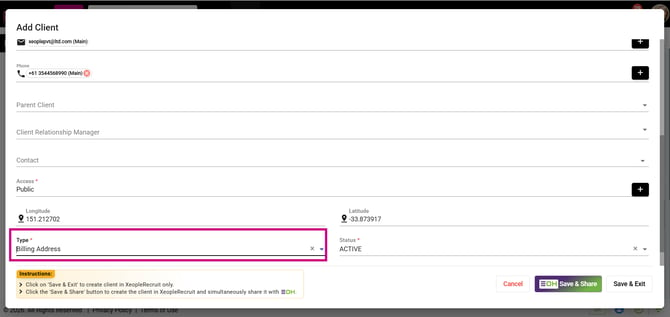
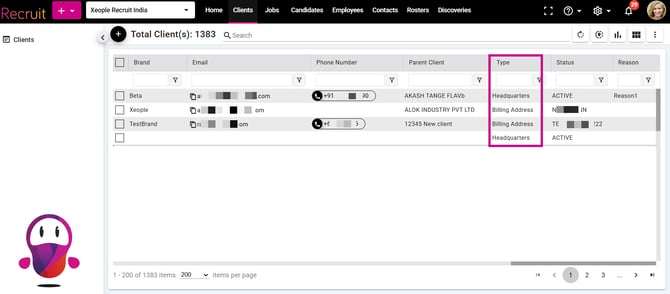
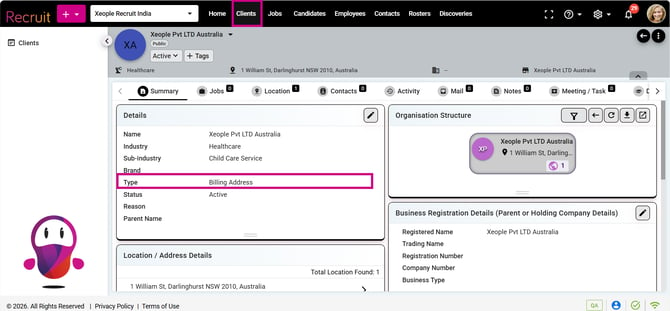
Client Summary - Summary Details - Type Field Value - Not Reflecting in Client Landing
Fixed the issue where the Type field value was not reflecting under the Type column on the Client Graph and Landing pages due to an API query issue. The Type value was correctly updated on the Client Summary page but was not reflected on the Landing and Graph pages. It is now correctly updated across all pages.